Projects
Every ingest resolves through a project. The Projects hub is where a project is created, linked to a tracking system, and given the ingest profiles its shots inherit.
A project is the unit that ingest policy attaches to. Handle counts, colour, codecs and deliverable presets are not chosen per shot; they are read from the project the shot belongs to. The web console gathers all of this on one page: Projects, in the Production group of the navigation, at /projects.
The Projects hub#
The hub lists every project and creates new ones. Enter a name and select Create; the project then appears in the list, and its detail page is where the studio link, ingest profiles and deliverables are configured.
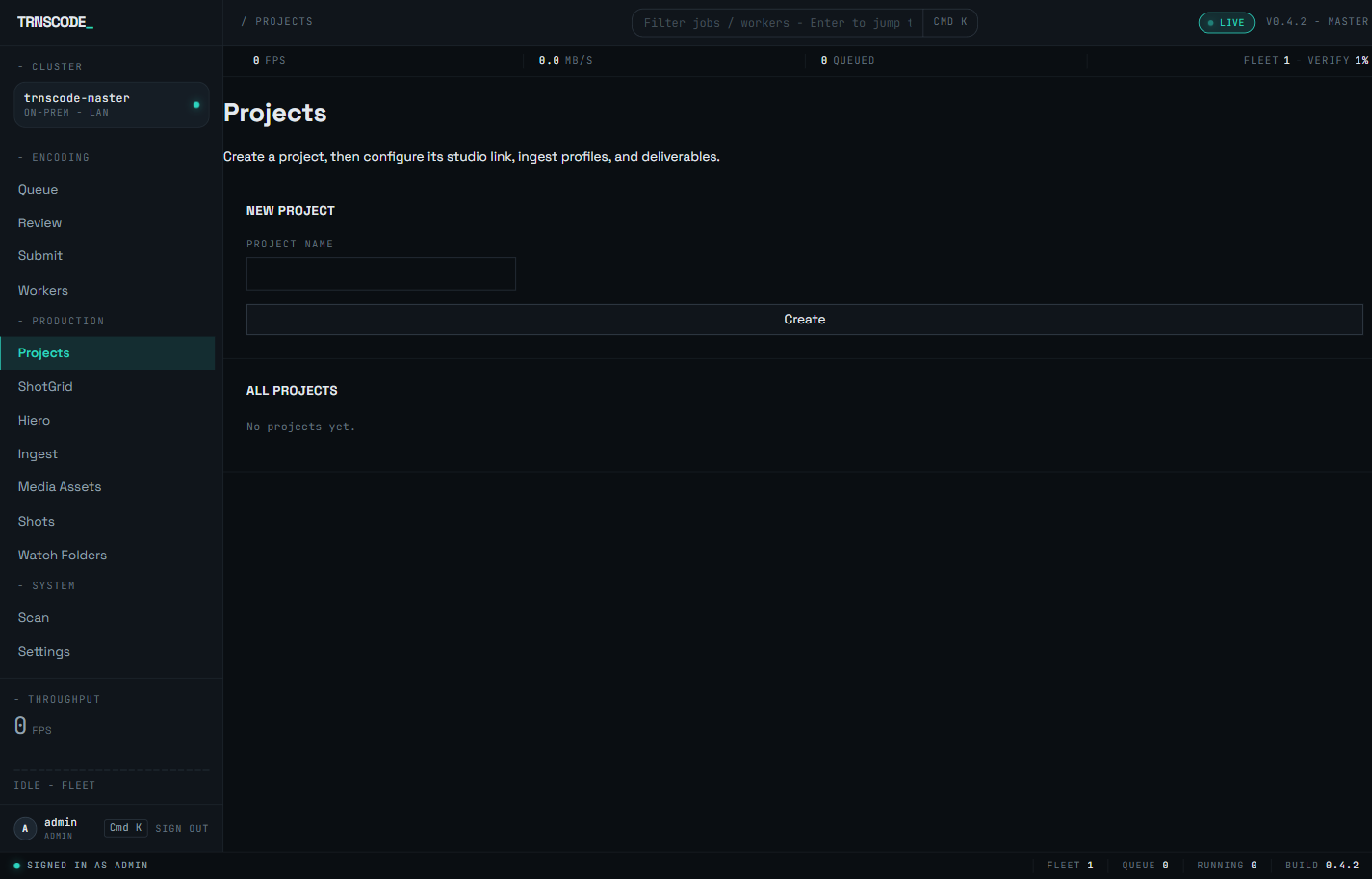
Ingest-profile management lives under Projects. The retired /admin/ingest-profiles route redirects to /projects; follow links into the hub rather than the old address.
Where a project comes from#
A project has one of two origins, and both end up as the same kind of record in the hub:
- A local project — created directly in the hub with a name. This is the complete form; nothing further is required before profiles are assigned and shots are ingested.
- A ShotGrid / Flow project— a local project bound to a project in Autodesk Flow Production Tracking. The binding is set from the project's detail page, and bound projects are listed on the console's ShotGrid page alongside the connection status. A Flow-triggered event then resolves to this project and its profile with no operator action.
The distinction is a binding, not a second project type. Every project exists in the hub; a tracking link is a property it either carries or does not. This resolves the earlier ambiguity between two ways of making a project: a project is made in one place, and its origin is visible on its record. The tracking side of the pipeline is documented on Flow / ShotGrid.
Ingest-profile assignment#
An ingest profile is a project's ingest policy — the defaults every shot from that project inherits. Profiles live in a shared pool, and a project draws on the pool in one of two ways:
- Shared-pool assignment — the project takes a profile from the pool as its default. Every ingest path that resolves the project without naming a profile uses this default; the one-click form on the Ingest page reads it as soon as a project is selected.
- Per-integration assignment — a profile is bound to a specific integration source for that project, so work arriving through that integration resolves its own policy rather than the shared default.
A project with no default profile refuses one-click ingest with an explicit error rather than guessing. Assign a default before operators submit against the project.
The ingest-profile wizard#
Administrators define a profile through a five-step wizard, reached from the Projects hub:
How many extra frames to carry either side of each shot's cut range. Editorial work uses a small count; VFX shots that need retime room use a larger one.
The working colour space the ingested frames are managed into, expressed against the project's OCIO configuration.
The OpenEXR compression used for the working master every shot produces.
The preset bundle for the derived deliverables — the dailies and reference outputs generated alongside the master. One job is submitted per selected preset.
Optional. When left unset, each reference preset's own defaults apply. Template rendering itself is documented on Burn-in & slate.
What a compiled profile turns each shot into — one working master, the dependent dailies and reference jobs, and the fan-out rules — is described on Studio ingest.