MAM ingest & delivery
Browse a connected asset manager's library and ingest straight from it, and deliver finished outputs back automatically when a job completes.
Integration scope#
A MAM connection serves two roles. As an ingest source, the console browses the connection's assets and submits encodes against them. As a delivery destination, the finished output is written to the configured destination when a job completes.
Neither role is a system-of-record integration. TRNSCODE does not maintain an asset database; it reads assets the MAM already holds and writes files back through the MAM's own API.
On the delivery side, a deliverable matrix defines which encodes are delivered to which destinations. When a job completes, the matrix is resolved against the job and the output is written through the MAM's own API.
Ingest from a MAM#
A connected MAM is browsable from the console on the Media Assets page at /media-assets, in the Production group of the navigation. Until a connection exists, the page points at the MAM settings panel.
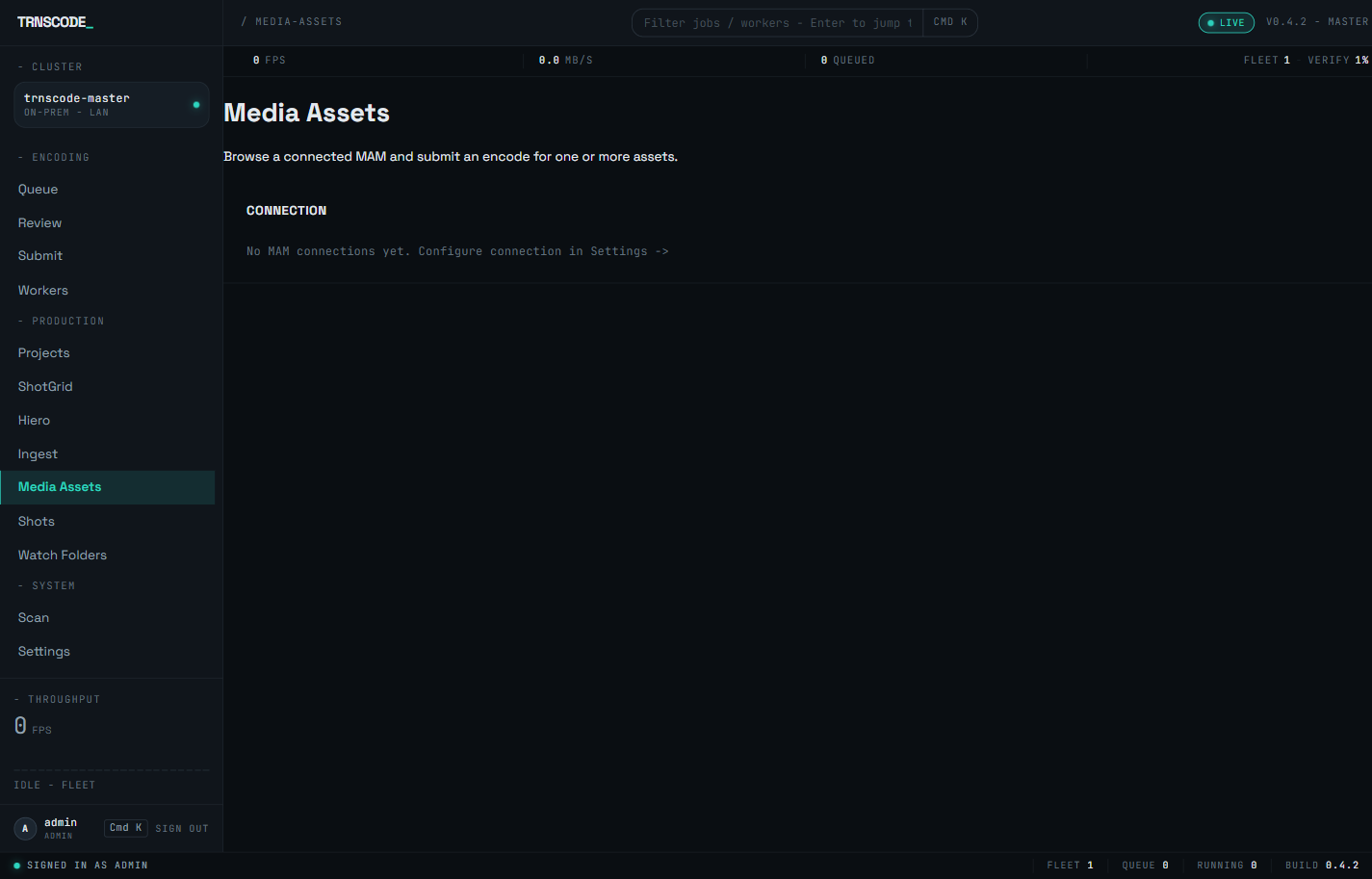
Select a connection to browse its assets, and open an asset to see its detail. From either view, ingest the asset directly from the console — into a preset, producing an ordinary encode job, or into an ingest profile, running the asset through a project's ingest policy. See Studio ingest for what a profile produces.
A MAM records where an asset is stored in its own terms. Configure path mappingper connection, in the MAM settings panel, to translate the connection's stored paths into paths the fleet can read.
Supported adapters#
| Adapter | Notes |
|---|---|
| Iconik | Authenticates with an application id and an auth token. |
| Dalet | Bearer token. |
| Avid MediaCentral | Bearer token. |
| Generic HTTP | Uses path templates rather than a vendor-specific payload shape. Supports an in-house or less common MAM without custom code. |
All four adapters share a single rate-limited, retrying HTTP client, with backoff on server errors and throttling. An overloaded MAM slows delivery down rather than receiving additional load.
Sandbox mode#
Every new connection starts in sandbox for its first day. Where the vendor offers a sandbox endpoint, writes are redirected to it. Where none exists, the write short-circuits and does not touch the live system.
In both cases the attempt is logged with a sandbox marker. This allows a full job round-trip to be observed and the payload confirmed before any write reaches production.
Promote a connection to live from the settings panel. Connections are never promoted automatically. A connection that is never promoted continues to no-op indefinitely; this is the intended failure mode.
Deliverable matrices#
A matrix is a list of rules. Each rule has a predicate, matched against the finished job's codec, container, resolution, project and other attributes, and a list of targets, each a preset plus an output path template.
When a job completes, every rule is evaluated and the output is pushed to every target whose predicate matches. One job can fan out to several targets if several rules match.
Attach a matrix to a job directly at submit, or indirectly through a watch-folder rule so ingested files inherit it without operator action.
A job that matches no predicate produces no write. The evaluation is recorded as having matched nothing rather than passing silently. Begin with a broad predicate, confirm jobs are reaching it, then narrow the rules. A matrix that never matches is indistinguishable in outcome from one that is not attached.
Credential vault#
MAM credentials are encrypted before they reach the database, and the encryption key exists only in the environment.
No connection can be saved until TRNSCODE_MAM_VAULT_KEY is set. Without it the panel reports the vault as unconfigured and refuses every connection attempt. The refusal is explicit rather than a silent no-op, so the missing key is detected at setup rather than at delivery.
Retries and audit records#
Every write carries a deterministic key derived from the job, the target's position in the matrix, and its preset. A retried or re-run write to the same target lands under the same key, so replaying is safe and does not create a duplicate asset.
Every write is recorded, success or failure, with status, latency, sandbox flag and any error. Records surface both in the panel and in the activity drawer.
Delivery is best-effort by design. A failed write never fails the encode: the job has already completed and verified before delivery begins. If a deliverable does not appear at the expected destination, check the write log; the job itself reports success because the encode succeeded.
Set up MAM delivery#
Set TRNSCODE_MAM_VAULT_KEY on the master service and restart it. If the key is not set, the panel reports the vault as unconfigured on the first connection attempt.
Select the adapter and enter a name, the base URL and the credentials. The connection starts in sandbox automatically.
Confirm the write appears with a sandbox marker and a success status. This confirms the full round-trip before the connection goes live.
Promote from the connection row. Promotion clears the sandbox expiry and changes nothing else.
Select the connection, name the matrix, define the rules, and attach it to jobs at submit or through a watch-folder rule.
Limitations#
- Administrator access is required end to end. Connecting, registering matrices and reading the write log all require administrator access. A non-administrator receives a refusal, not a partial view.
- The vault key variable uses the bare prefix. The variable is
TRNSCODE_MAM_VAULT_KEY, not aTRNSCODE_MASTER_variant. Any other name is ignored without an error, so the key appears to be set while the vault remains unconfigured. See Configuration. - Authentication uses a static secret. The shipped adapters authenticate with a token you provide. No OAuth refresh flow is implemented for any vendor, and external key management is a deployment decision rather than a provisioned feature.
- Four adapters ship. Supporting a MAM that needs a vendor-specific adapter beyond these four requires development work, not configuration.